


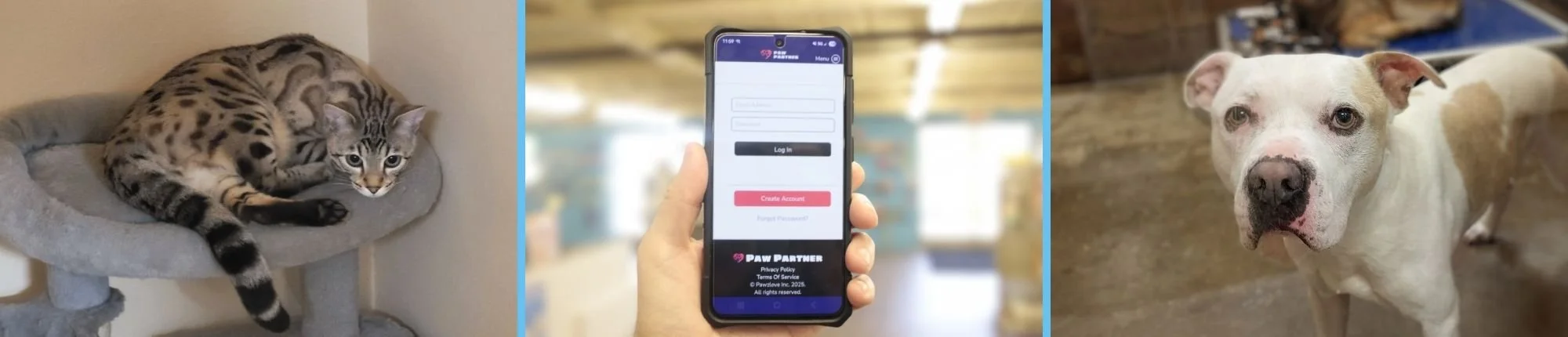
Sign Up/Login - App
Create Your Free Account - and Download the Gingr Pet Parent App
Easily create your account with us via Gingr by clicking on the sign-up button below. Once your account is created you will have full access to your account info at home or on the go.
You can also download the Gingr Pet Parent App and login on your phone.
Give us a call at (325) 704-5460 if you have any questions or need help with your account.
A Few Things to Know
If you are a current customer you will not need to sign-up for an account. However you may need to reset your password.
If you download the app you will need our Invite Code: 545508
Gingr will ask you to add an emergency contact. Make sure that it is someone besides yourself.
Ginger will ask for a credit card to be on file.
Download the App for iOS (iPhone): Click Here
Download the App for Google Android: Click Here
When you download the app on iPhone or Android you will need a invite code (below), which will locate our facility automatically for you. Once you put in the code you will be able to login or sign-up on the app. Invite Code: 545508
Sign up is super easy! All owners must have an account to schedule any services with us. Any pet you wish to schedule must be added to your account.
Already have an account?
Log In to access premium features